
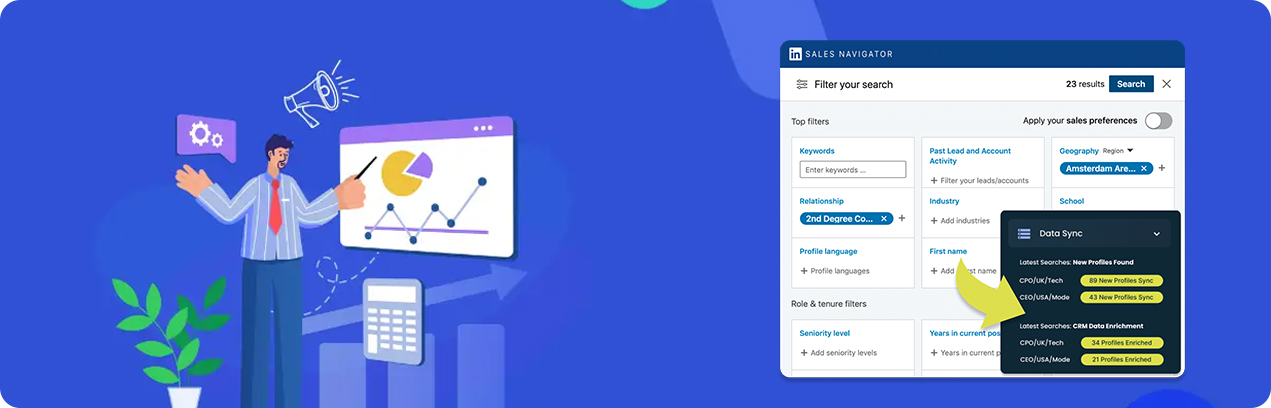
Basic Sales Navigator Account Scraper
Overview
Scrape all the available data from Sales Navigator company accounts. A LinkedIn Sales Navigator account page holds a lot of information about a company. Salespeople use these pages as a starting point to learn about the accounts they are targeting.
What You Give:
- Your LinkedIn session cookie
- Sales Navigator Company Search URL
What You Get:
| Field | Description |
|---|---|
| company Url | URL of the company |
| company Name | Name of the company |
| company website | Website of the company |
| domain | Domain name of the company |
| description | Description of the company |
| company Id | Unique ID for the company |
| regular Company Url | Standard URL for the company |
| employees Count | Total number of employees |
| employee Count Range | Range of employee count |
| logoUrl | URL of the company logo |
| isHiring | Indicates if the company is hiring |
| query | Search query used |
| timestamp | Time of data extraction |
| annual revenue | Annual revenue of the company |
| industry | Industry of the company |
Important Note
Take note: Sales Navigator only displays the first 1000 results of an account search, so we won’t be able to access any more than this. To get more, alter your search query in several ways and extract the results from each variation.